
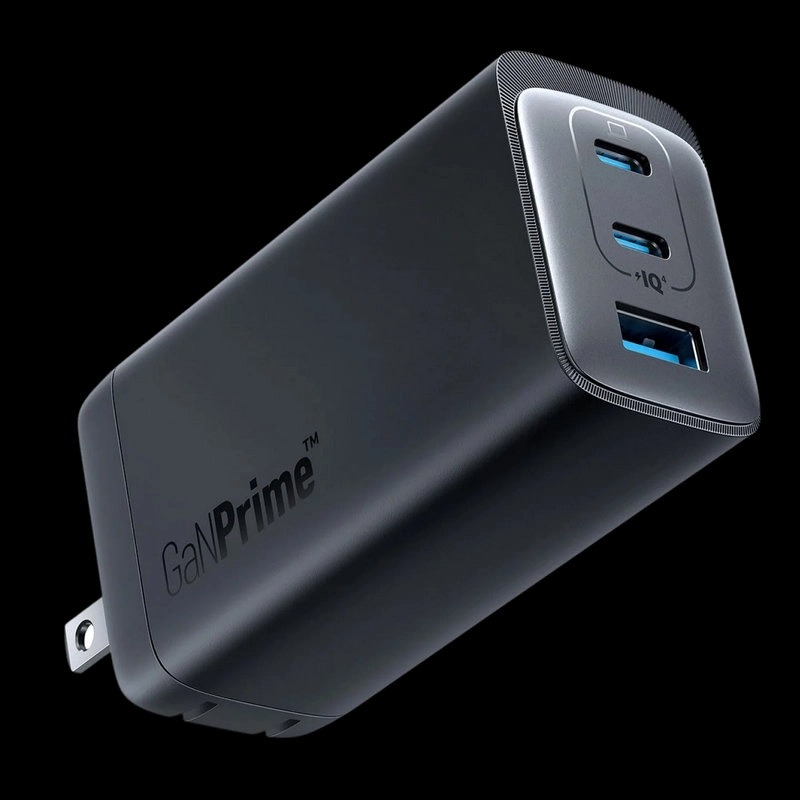
Details
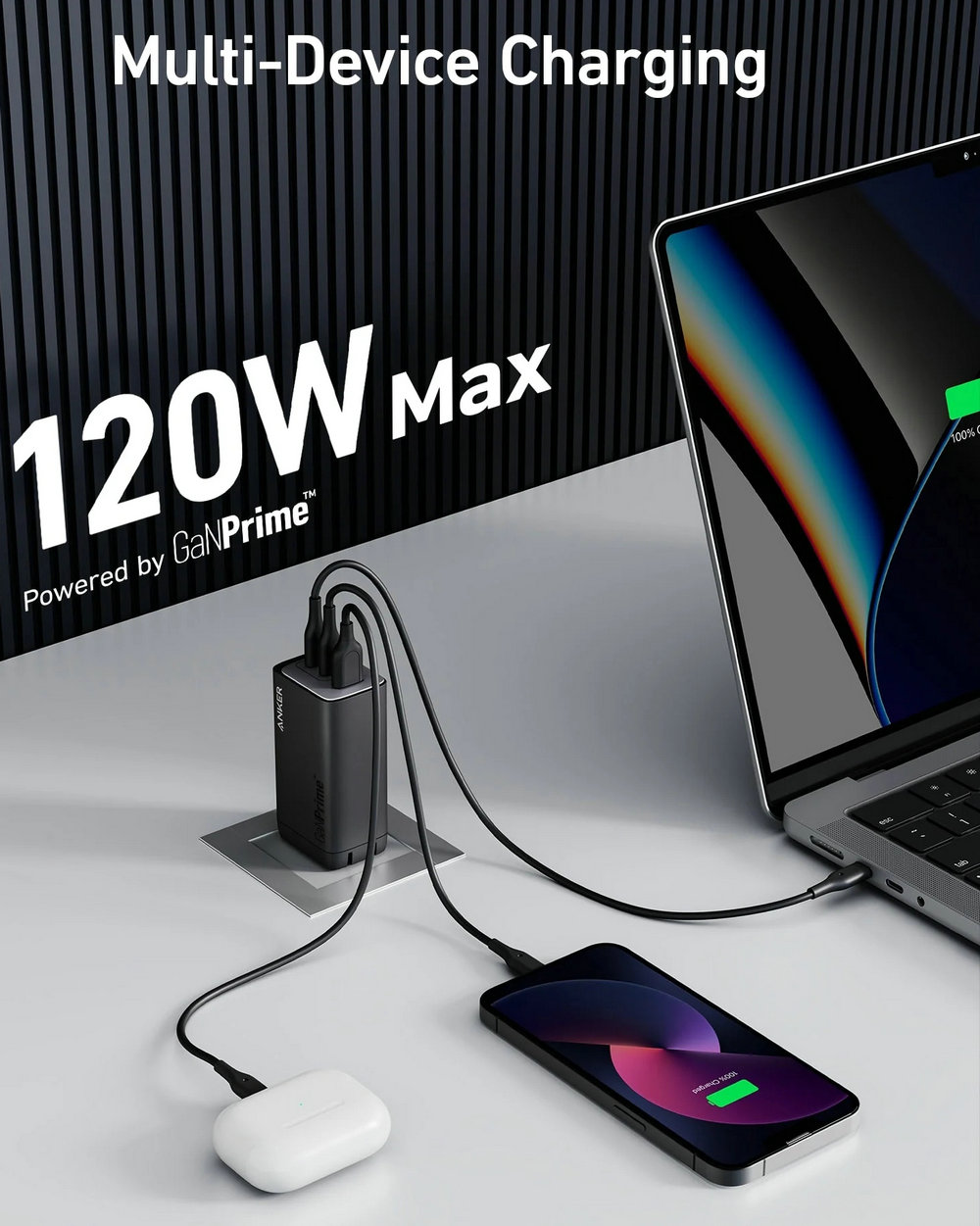
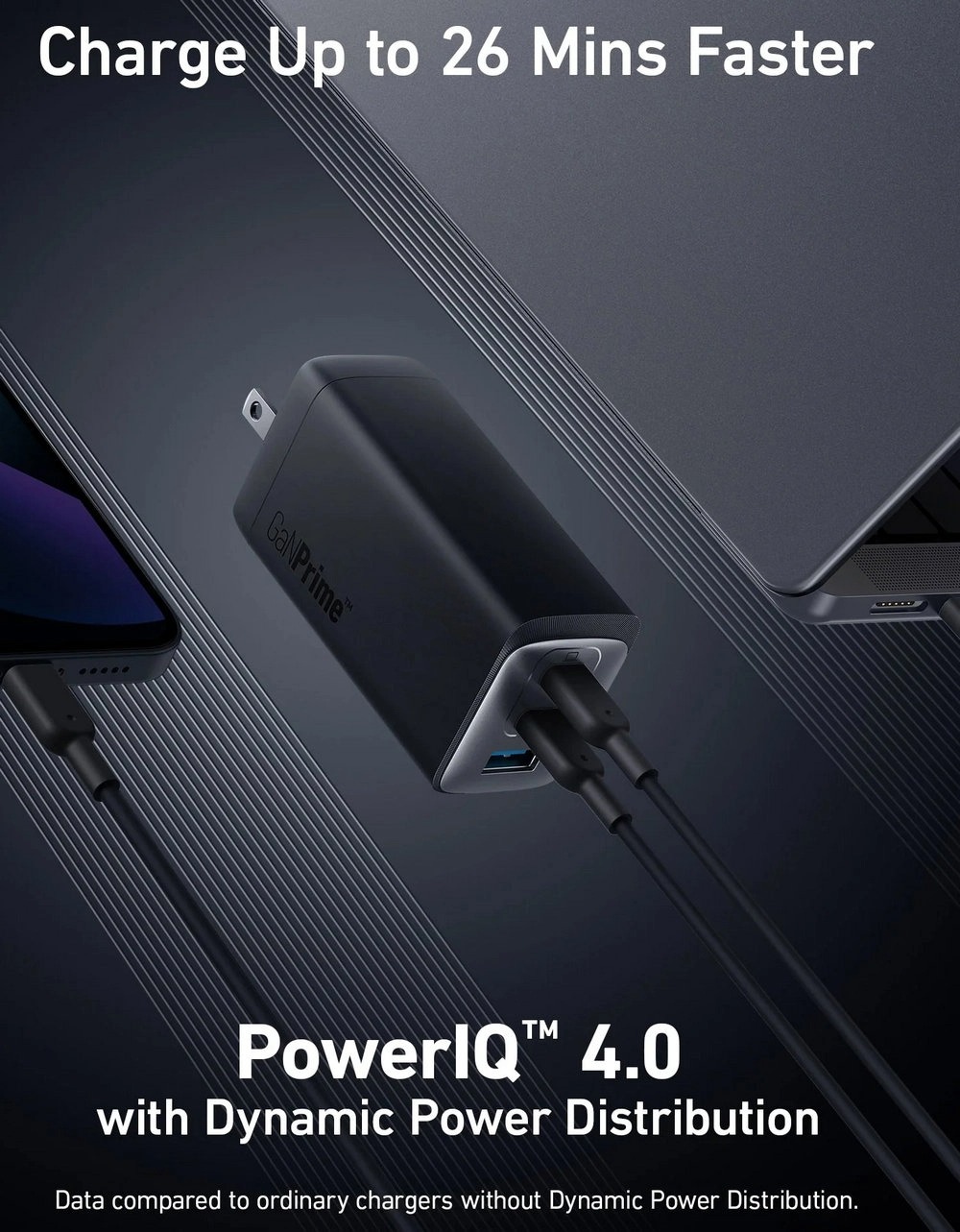
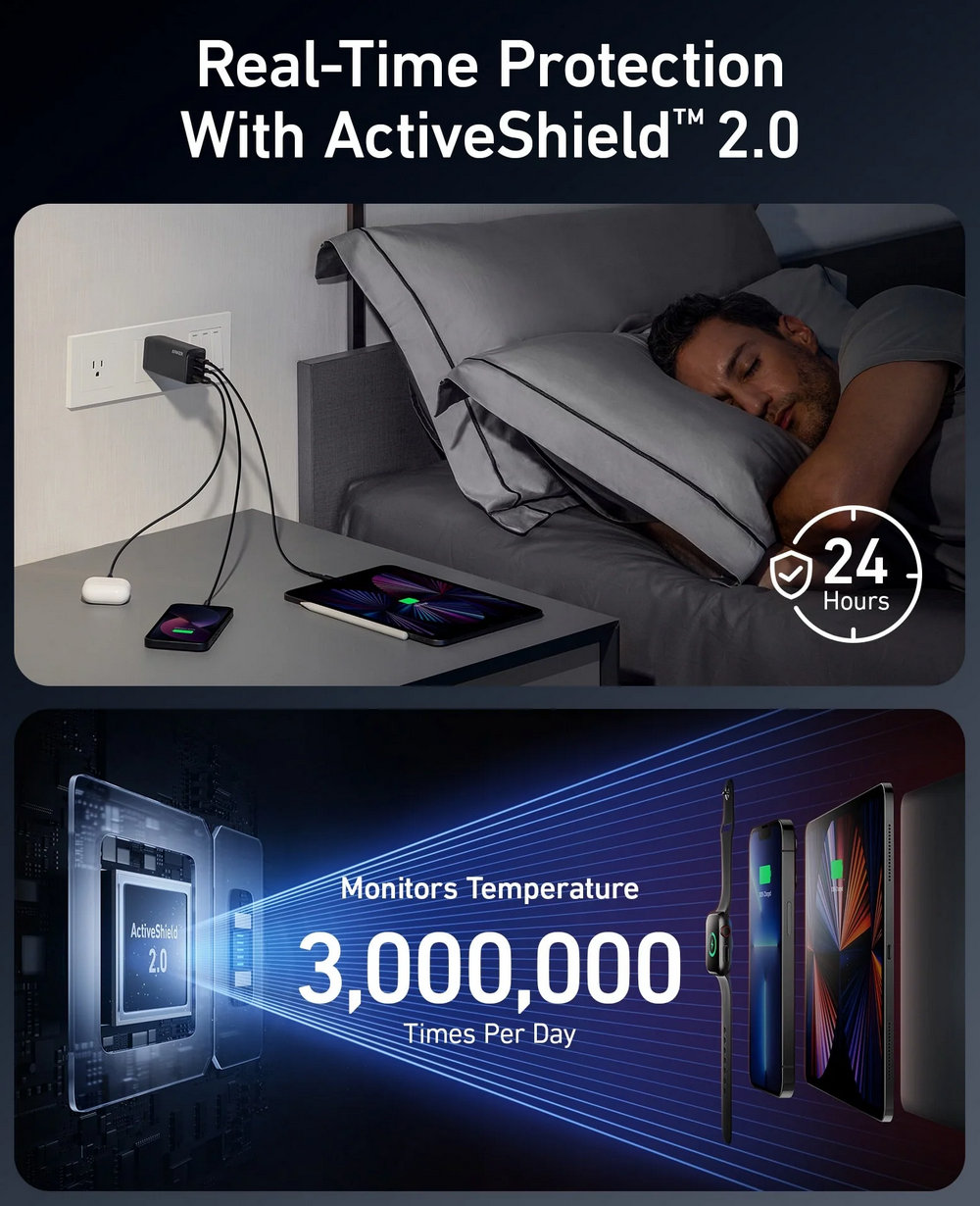


Note:
Charge your Apple Watch first when charging multiple devices. If the watch charger is connected to the USB-A port without an Apple Watch connected, unplug and reconnect it before charging.
Due to MacBook charging identification, it's normal to see a plug symbol in the battery icon when charging a MacBook with a third-party wall charger. Charging will revert to normal automatically after around one minute.
Due to Dell's proprietary charging protocol, Dell XPS 15 (9500/9510), Dell Alienware X14, and Dell Mobile Precision Workstation 5570 will not be charged at full speed.
Specs
Output 120W Max | Number of USB-C Ports 2 USB-C Ports | Number of USB-A Ports 1 USB-A Port | Number of Outputs 3 |
Input Voltage 100V - 240V | One-Port Charging USB-C 1/USB-C 2: 100W Max | Two-Port Charging USB-C 1 (Top Port) and USB-C 2 (Middle Port) | Three-Port Charging USB-C 1 + USB-C 2 + USB-A: 120W Max |
s.handsome GaNPrime™ GaN Technology | Dimensions and Weight Dimensions:1.7 × 1.25 × 3.14 in / 43 × 32 × 80 mm |