
Welcome To HandSome Electric Appliance Co., Ltd.
     steven@shandsome.com
HandSome Electric Appliance Co., Ltd.

One Stop Service, Focus on Chargers over 20 years !

OEM/ODM manufacturer
We have factories in both China and India

HomeHubs and DocksUSB to Hdmi Adapter
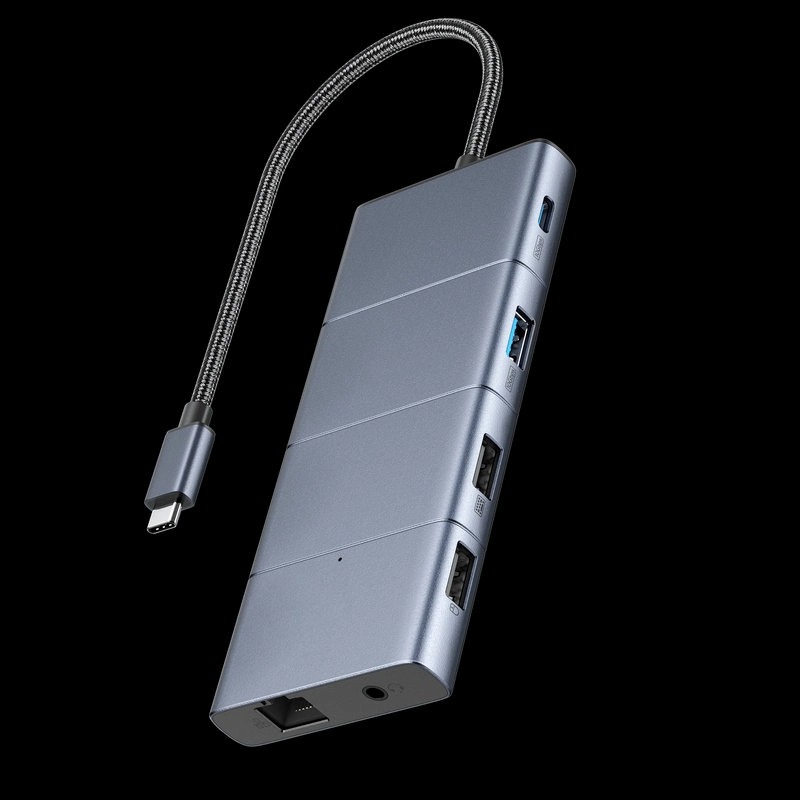
565 USB-C Hub (11-in-1)

Key Features
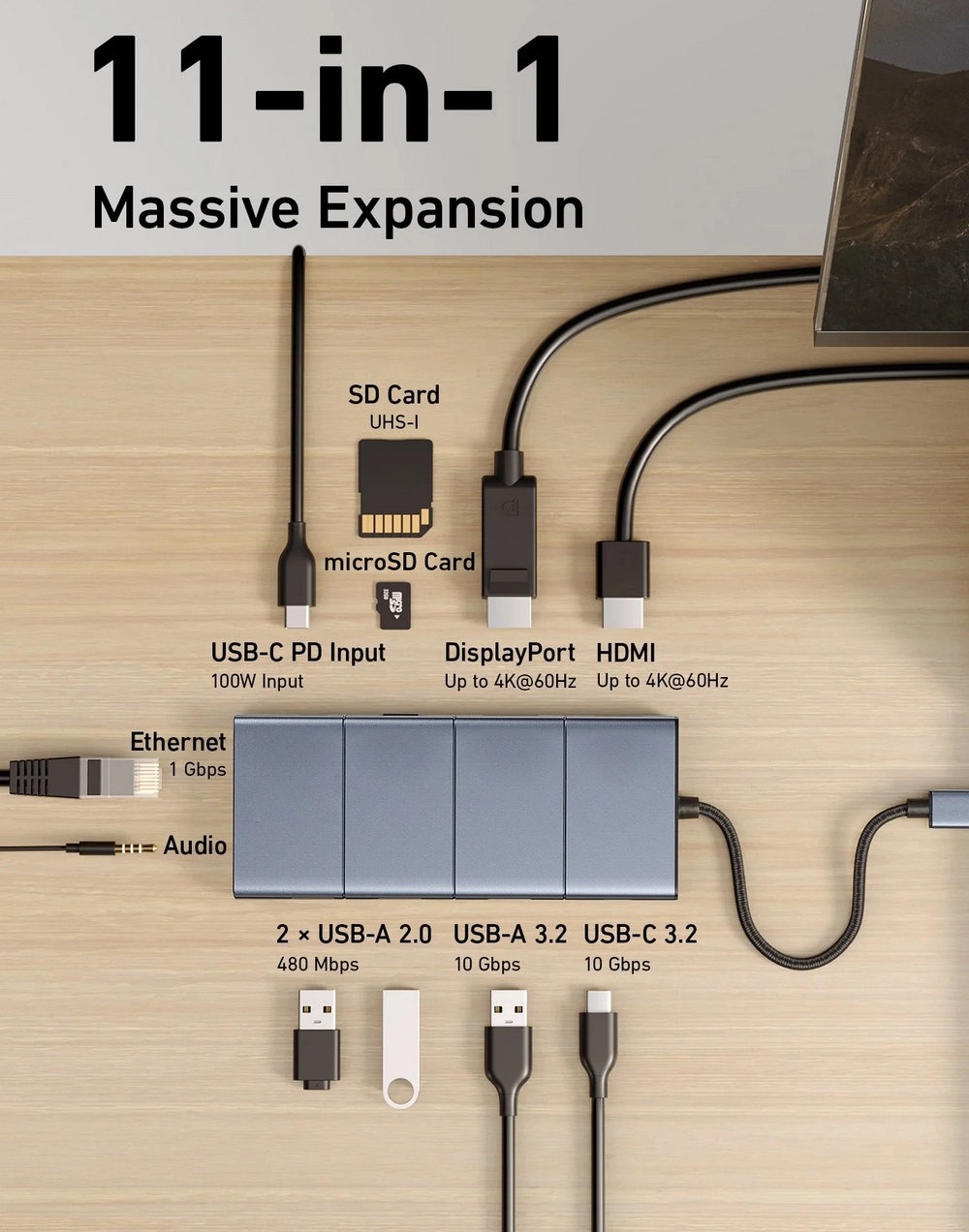
Massive Expansion
Turn one of your laptop’s USB-C ports into 11 with a 10 Gbps USB-C data port, a 10 Gbps USB-A data port, a 4K HDMI port, a 4K DisplayPort, a 100W USB-C Power Delivery input port, two 480 Mbps USB-A data ports, an Ethernet port, an AUX port, and microSD / SD card slots.
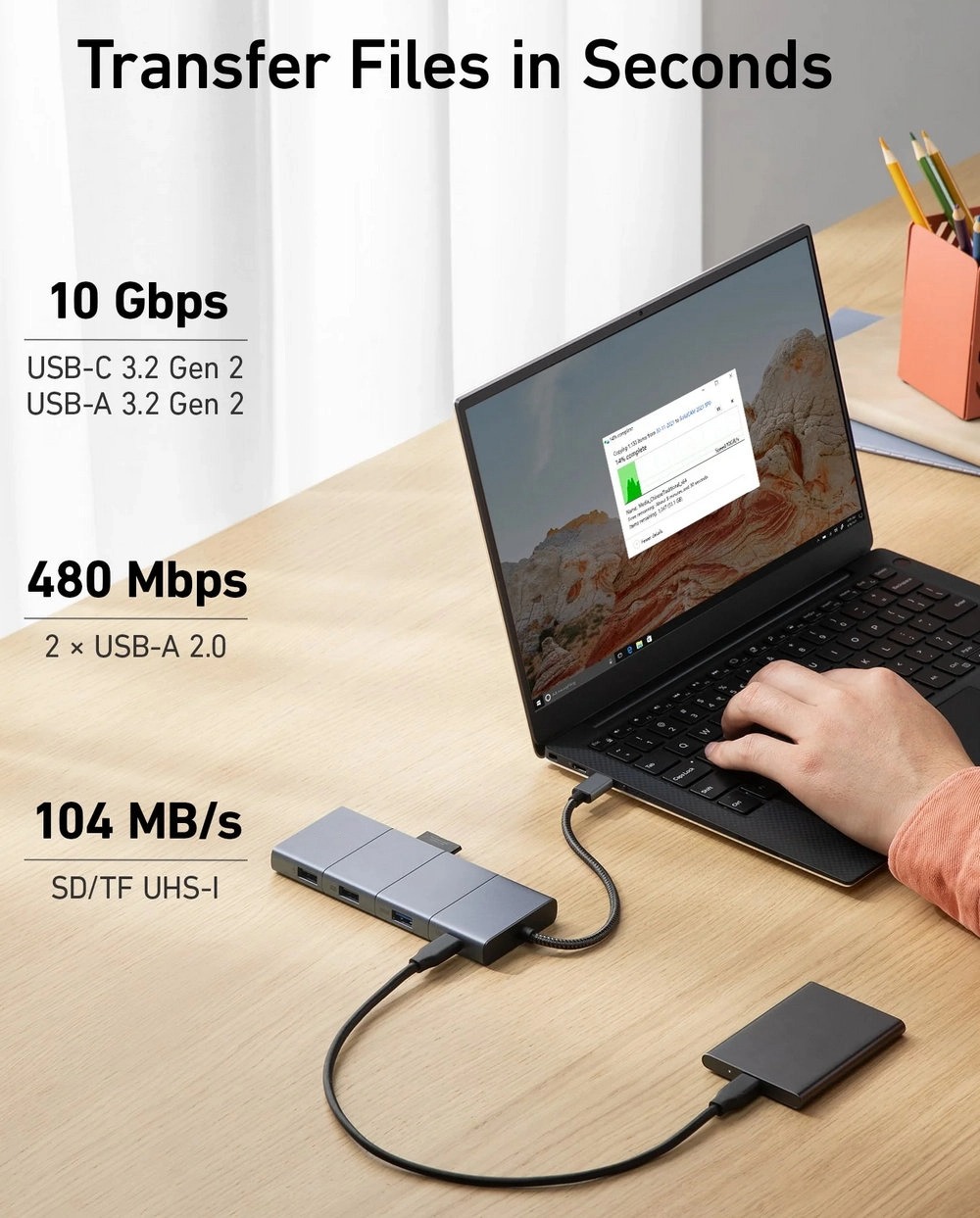
Move Files Faster
With a 10 Gbps USB-C port, a 10 Gbps USB-A port, dual 480 Mbps USB-A ports, and 104 MB/s microSD / SD card slots, you have a huge number of ports to transfer files at high speed.
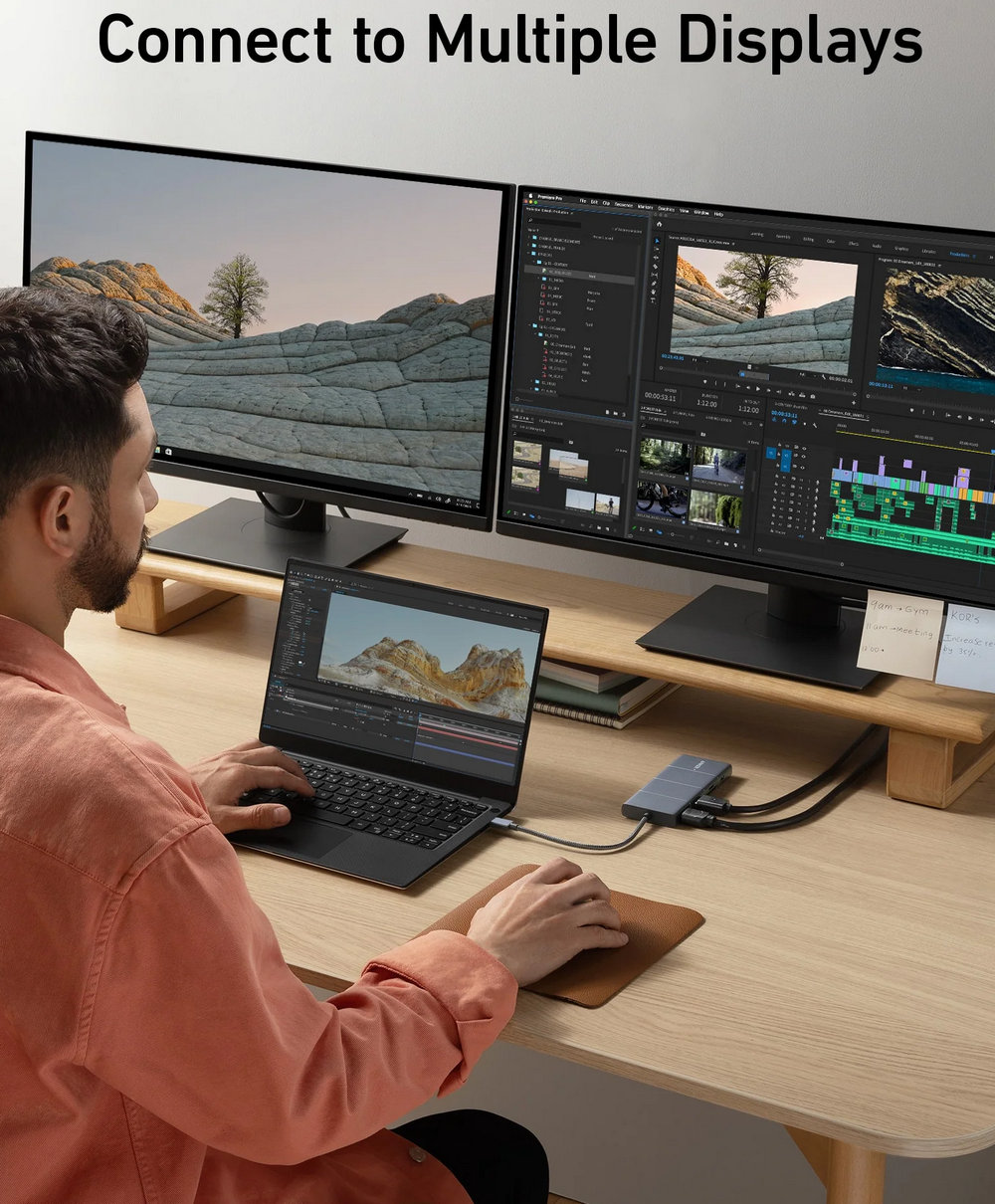
Multi-Monitor Display
Connect to the DisplayPort and HDMI port to enjoy crystal-clear streaming or mirroring across 2 displays at up to 2K@60Hz with a DP 1.4 laptop or 1080p@60Hz with a DP 1.2 laptop.
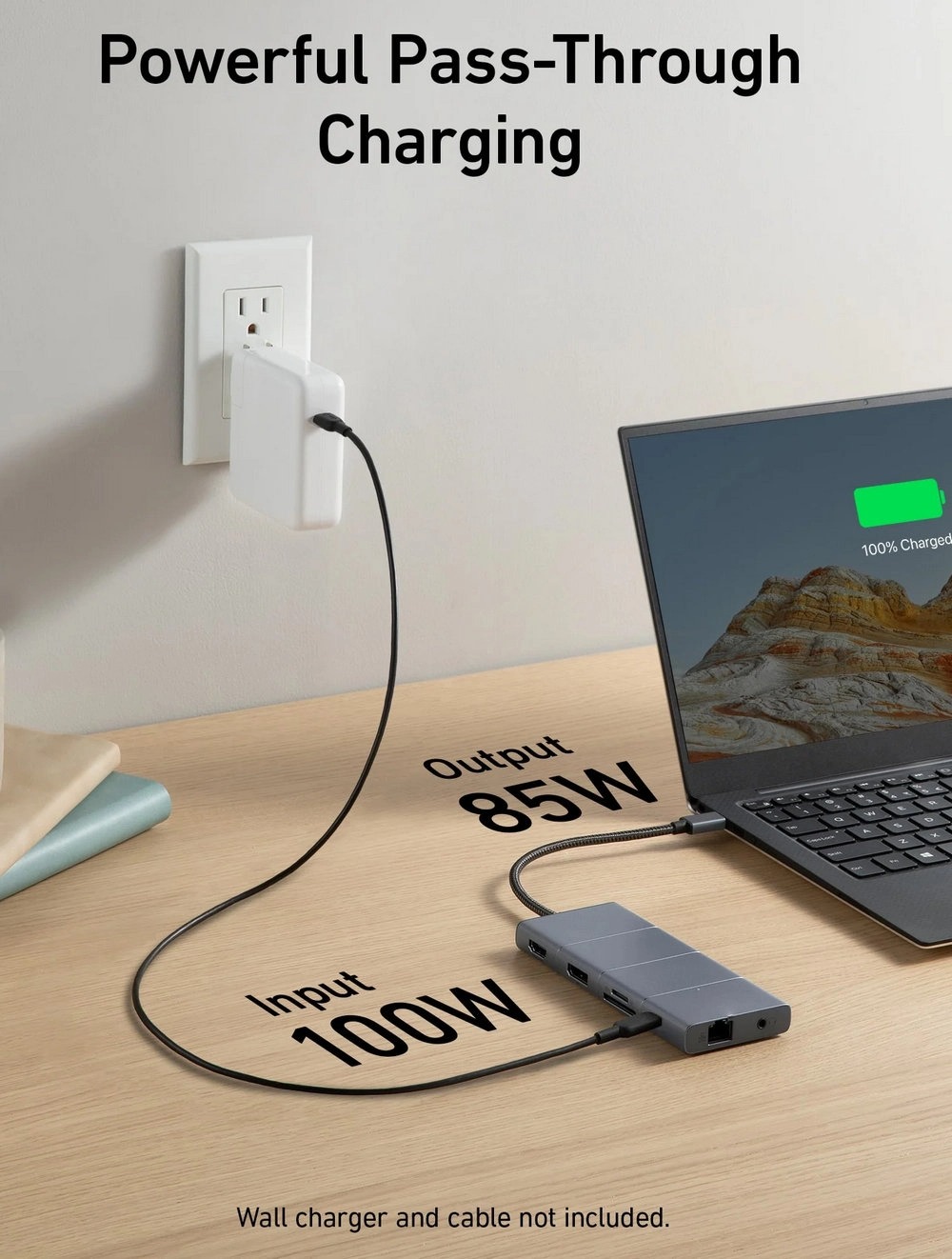
Pass-Through Charging
Supports up to 85W pass-through charging so you can power up your laptop while accessing the hub’s other functions. Note: Pass-through charging requires a charger (not included).
What You Get
s.handsome 565 USB-C Hub (11-in-1), welcome guide, 18-month warranty, and friendly customer service.
Color: Grey
$73.99


Details

Model Number: A8388

s.handsome 565 USB-C Hub (11-in-1)

Give Your Laptop an Extra 11 Ports

Expand Your Port Options

A total of 11 ports give you access to high-speed file transfer, powerful pass-through charging, dual-monitor display, USB connectivity, Ethernet, and audio connectivity—all from a single compact hub.

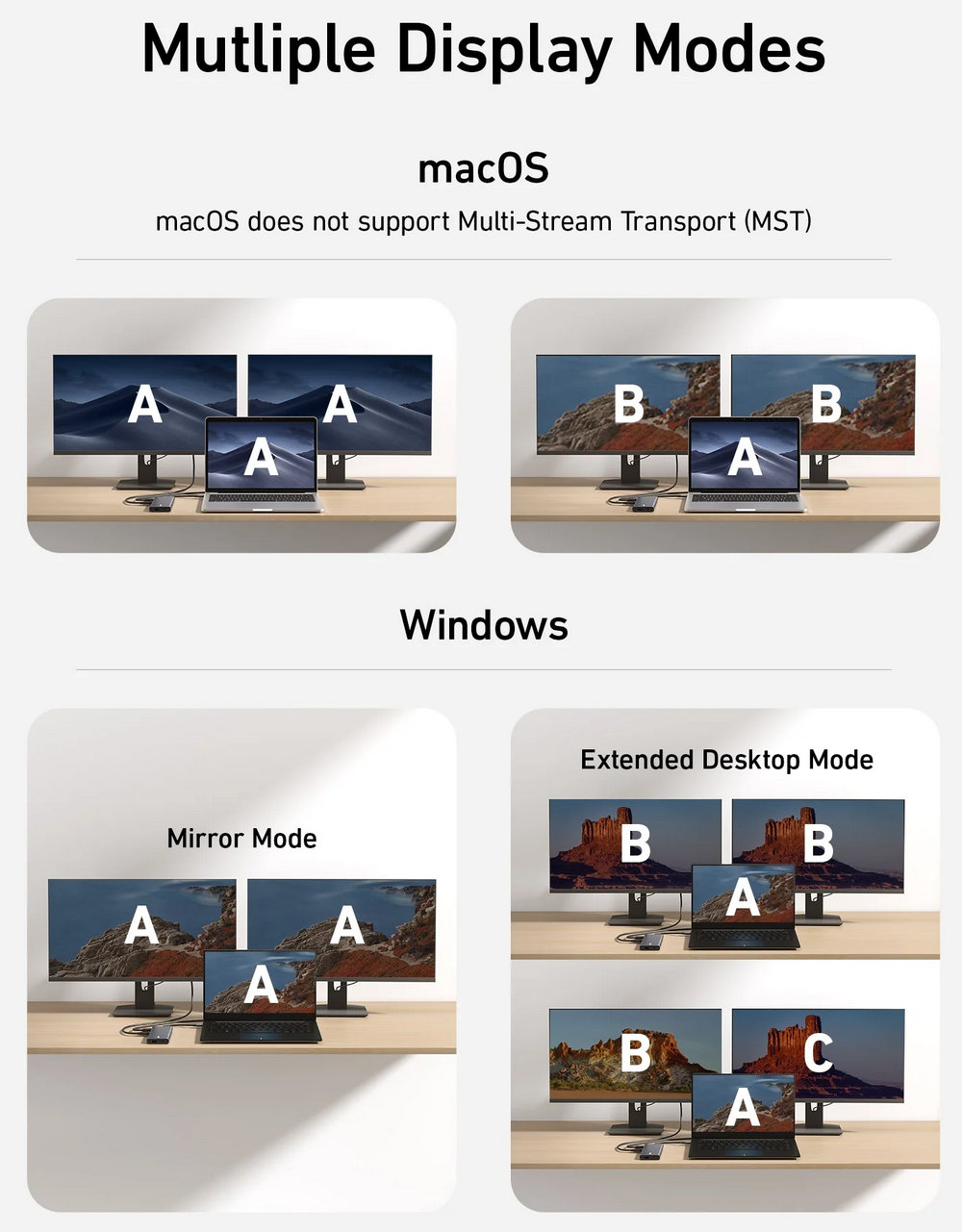
Supported Display Modes

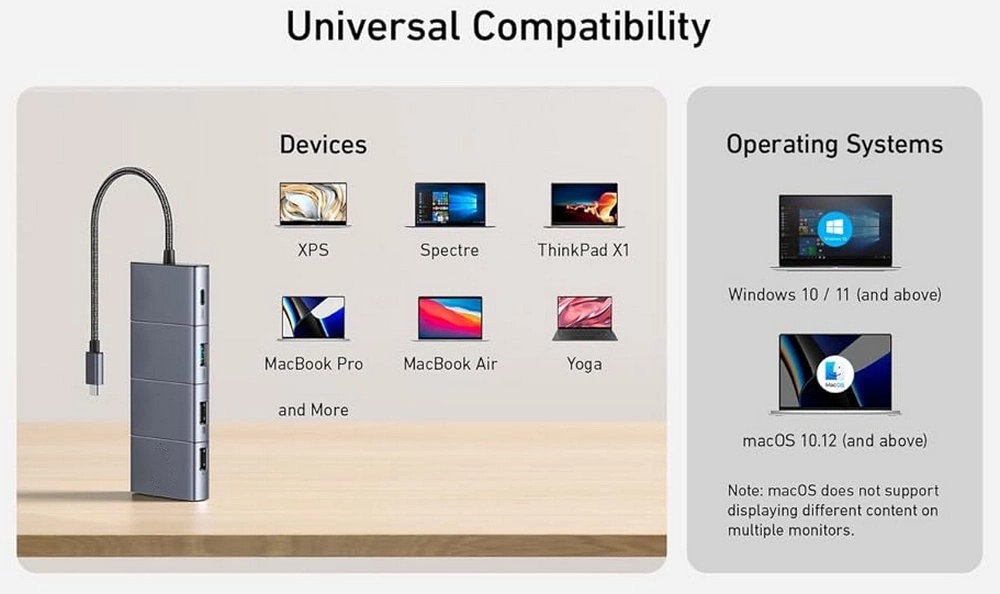
Only Windows laptops support displaying different content to multiple screens.

For Windows Laptops:

The two connected monitors and your laptop's screen all display different content.

The two connected monitors show the same content, while your laptop's screen shows something else.

The two connected monitors and your laptop's screen all show the same content.

For MacBooks:

The two connected monitors show the same content, while your laptop's screen shows something else.

The two connected monitors and your laptop's screen all display the same content.

Note:

Switching between display modes can be done in your laptop's settings.

If you cannot detect the dock after updating to macOS Ventura, please follow these steps: Privacy & Security > Allow accessories to connect.

Contact us
  • Email: carolyn@shandsome.com

  • Address: C3 Building, Boye Industrial Park,Shangsha,Chang'An,Dongguan, China

Form Of Enquiry